A human always merges
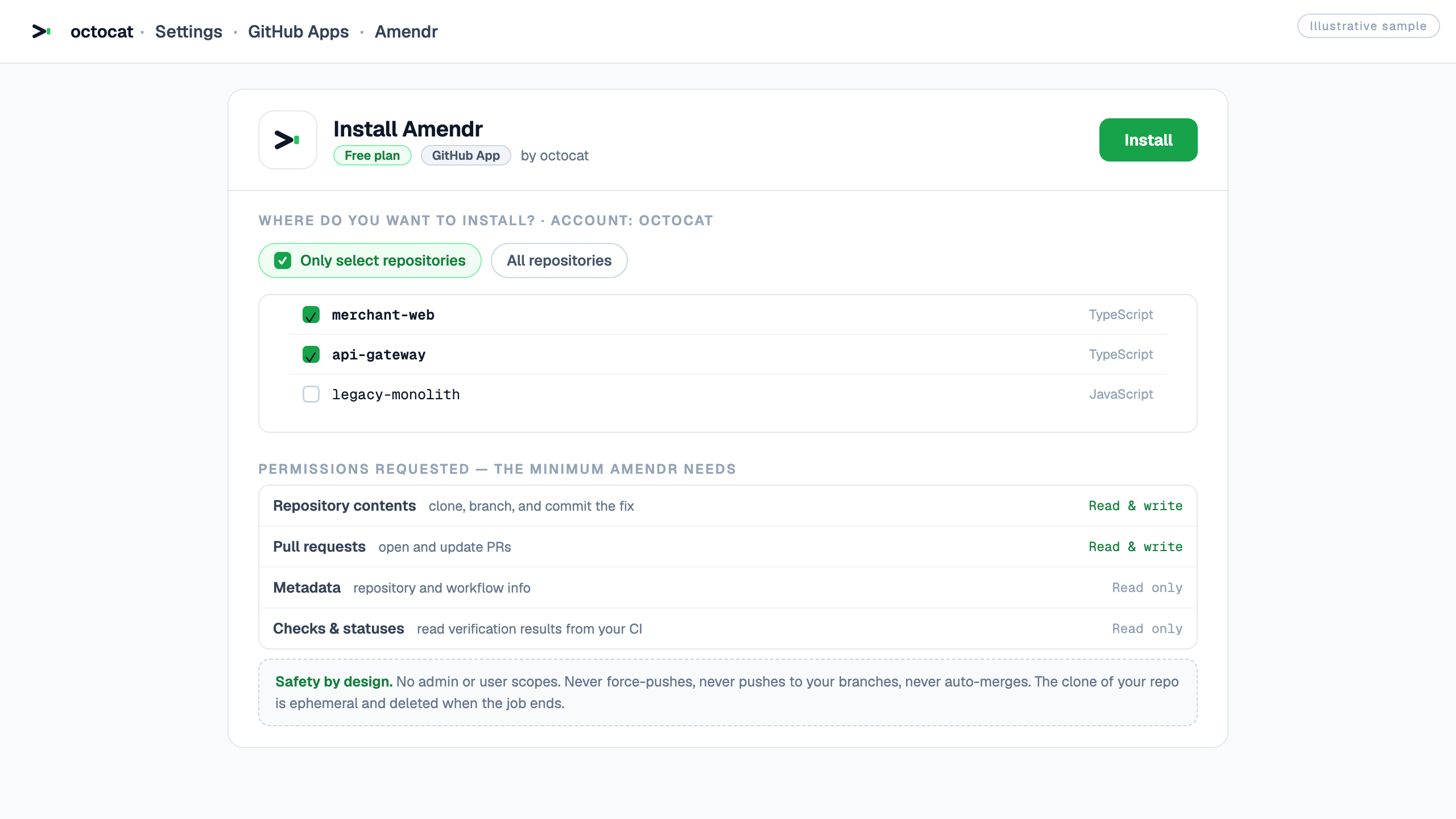
Amendr never auto-merges and never pushes to your branches. Every PR waits for you to read it.
what you get
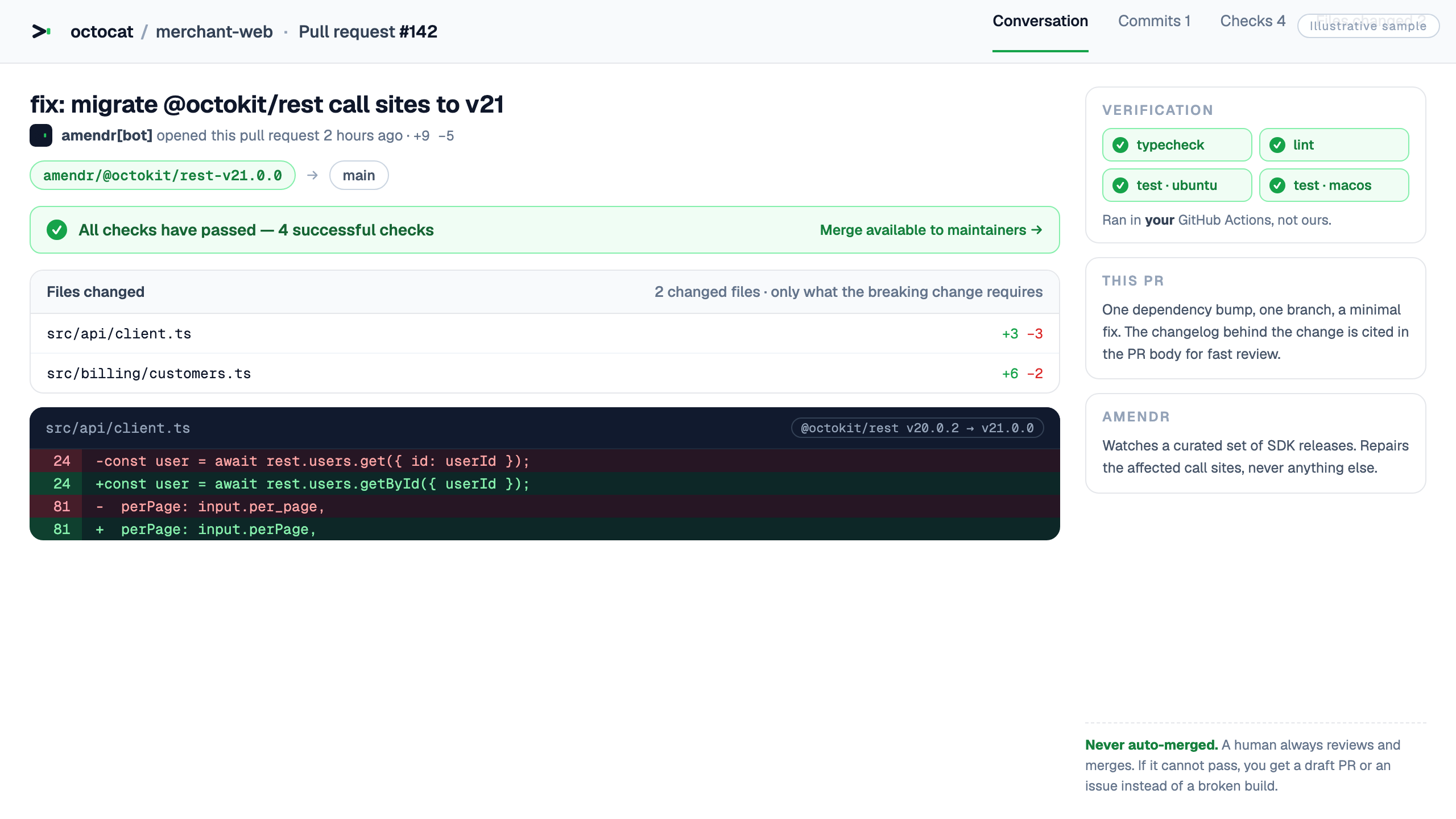
amendr[bot] wants to merge 1 commit into main
const octokit = new Octokit({});
-const issues = await octokit.issues.listForOrg({ org });
+const issues = await octokit.orgs.listIssues({ org });
return issues.data.map((issue) => issue.html_url);
All checks passed · typecheck and tests are green
the difference
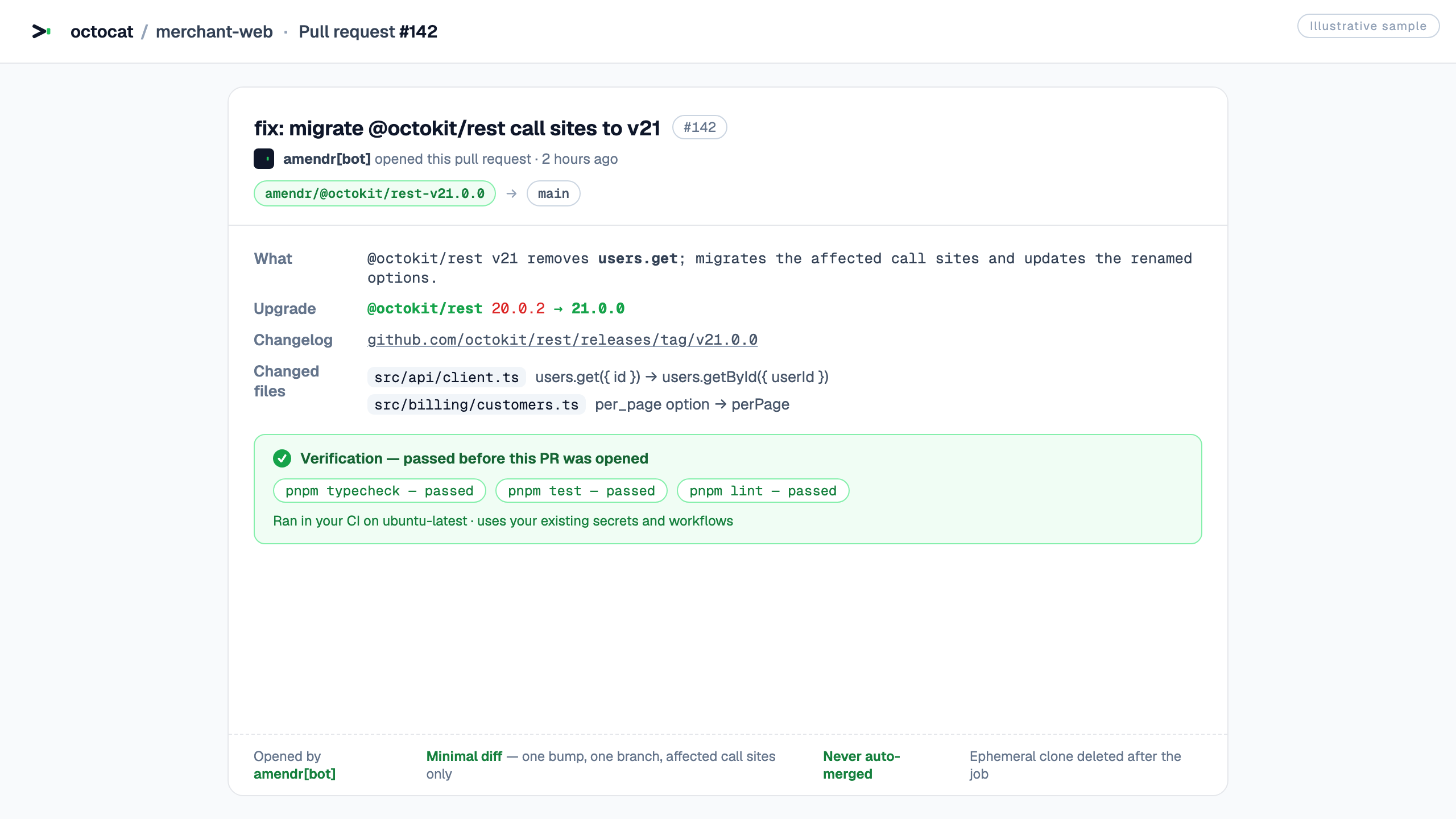
a fix, end to end
"dependencies": {
- "stripe": "^14.0.0",
+ "stripe": "^17.0.0",
"nothing-else-changes": true
const stripe = new Stripe(env.STRIPE_KEY, {
- apiVersion: '2023-10-16',
+ // apiVersion override removed in v17 (server pins the version)
});
the guarantees
Amendr never auto-merges and never pushes to your branches. Every PR waits for you to read it.
Your repo is cloned into a temp directory that is deleted the moment the job ends. We keep nothing.
Your code exists for as long as the fix takes. Then it is gone. It never reaches a training set.
Only what the break requires. No refactors, no reformatting, no extra dependencies.
the watchlist
A short list we picked by hand, and it grows over time. TypeScript and npm only. You cannot add your own packages, so when we flag something that turns out to be fine, that one is on us.
in your editor
The Amendr extension runs the same loop in a sidebar next to your code. Sign in and it lists the breaking releases that affect the repo you have open. Pick one and it runs.
It only offers packages your own manifests declare, so it will never ask you to fix a dependency you do not have.
Start a run from the sidebar, watch the job, and open the pull request without switching windows.
Git metadata and package manifests, enough to work out your repo and your dependencies. Never your source.
Published as amendr.amendr, works on VS Code 1.90 and newer.
Install it, run Amendr: Sign In, and you are done. The
server URL and app client ID are already set.
Sign In / Sign OutRefresh StatusRun Amendr for a detectionOpen Pull RequestGit metadata and package manifests, nothing else. Your token sits in VS Code SecretStorage. Usage counters are off unless you turn them on, and they never leave your machine.
We test on VS Code. The extension sticks to stable vscode APIs, so
it should work in forks such as Cursor and Antigravity too, but we have not put those through our
manual test matrix yet.
the answers
No. You review every PR and you are the one who merges it. That is the whole point.
You get a draft PR or an issue with the proposed diff and the exact typecheck and test errors. You still get the warning, just not a green build.
No. One branch, one dependency bump, and only the fix itself. Nothing else changes.
In your own GitHub Actions, using the workflows and secrets you already have. Nothing runs on our machines.
TypeScript projects on npm, to start.


